7 Weather Scenes
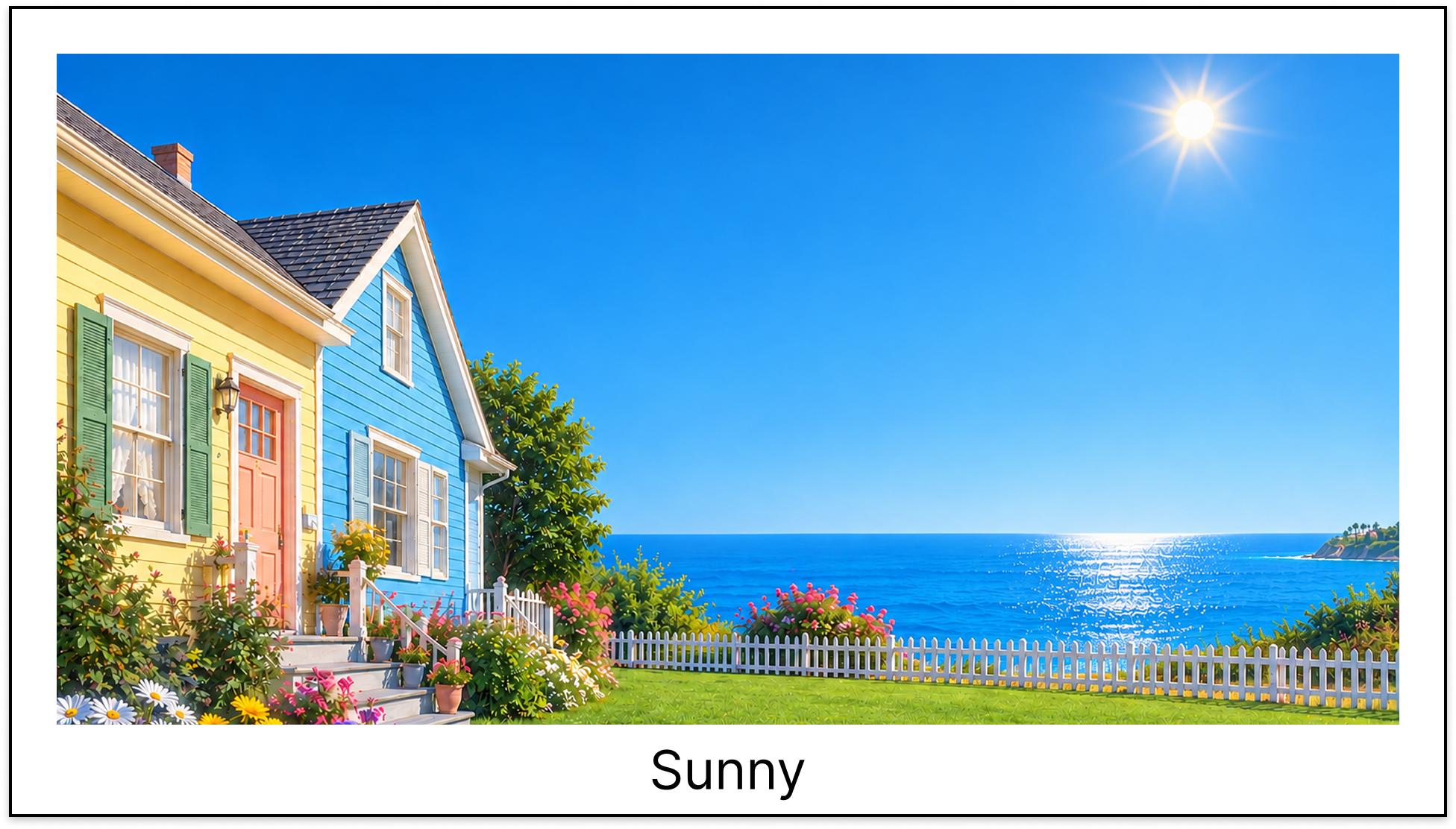
Clear, cloudy, rain, wind, snow, fog and thunderstorm — each scene ships with dedicated day and night wallpapers.
Weather Wallpaper for macOS
WeatherDesk is a lightweight menu bar app that changes your Mac's wallpaper with the real weather, sunrise and sunset at your location — and celebrates holidays with special scenes. Not a forecast; your desktop becomes the weather.

Core Features
Set it once, and your wallpaper quietly keeps pace with the world outside.
Clear, cloudy, rain, wind, snow, fog and thunderstorm — each scene ships with dedicated day and night wallpapers.
Day and night switch at the real sun times for your location, never a fixed clock.
New Year's Day, Valentine's Day, Easter, Halloween, Thanksgiving and Christmas take over for the whole day — switchable in Settings.
Weather checks every 30 minutes on the half hour. Offline? Cached scenes carry over and updates retry automatically.
Refresh now, pause or resume in two clicks. A subtle warning icon appears if weather updates ever fail.
Location is used only for weather and sunrise/sunset. No tracking, no accounts, no personal data collection.
Read privacy policy →Meet every scene — weather and holiday wallpapers with thumbnails, all inside the app.
Launch at login, language, and the holiday wallpaper toggle — three switches, even spacing.
Clean version panel with app icon and current version, centered and uncluttered.
Action-only menu: Refresh, Pause / Resume, Settings, Quit — plus a warning badge on errors.
FAQ
It checks your local weather every 30 minutes, maps the condition to one of 7 scenes, and picks the day or night variant based on actual sunrise and sunset times. Holidays take priority all day.
The app keeps your last cached weather scene and falls back to a daytime/nighttime estimate if no data exists. It retries automatically when the network recovers — no work needed from you.
No. Location is requested only to fetch weather and sun times, and is never stored or shared by us. Weather data comes from Apple Weather.
WeatherDesk supports macOS 26.2 and above, on both Apple Silicon and Intel Macs.
About WeatherDesk
WeatherDesk was built on a simple idea: your wallpaper should reflect the world outside your window. A quiet menu bar companion, not another dashboard.
A sky-blue interface inspired by the app icon — minimal, friendly, and out of your way.
Wallpapers ship inside the app. Only weather lookups touch the network.
More scenes, more holidays, more polish. Stay tuned.
Download WeatherDesk and let the weather pick your wallpaper today.